Thursday, January 1, 2026
Home Blog Page 2932

How to Compress Video Formats

In the cases where fine editing is required, more than one, if not all, of the actions mentioned above are performed by the professionals, thus resulting in a perfect output that remains economic on the storage drive.

Although there are several free tools available in the market to compress video formats, almost all of them come with certain clauses, most common of which are file size restriction, limited resolution, and forced watermarks. Furthermore, the quality of video such free apps produce is mostly not up to the mark, and fail to pass industry standards, especially if you are preparing the videos for the mass or targeted audience like your employees, colleagues, clients, or trainees.

Considering all the above challenges and complications majority of people face, Wondershare, one of the most trusted brands and with 24 hours tech support, did a great job by developing yet another universal post-production program called UniConverter.

Introduction to Wondershare UniConverter

First released in the year 2009 as Video Converter Ultimate, Wondershare UniConverter, in addition to offering an extremely simple UI for both Mac and Windows platforms, now supports more than 1000 file formats, and is equipped with almost every feature that a professional video editor would need to produce a footage that is low in size and high in resolution.

How to Compress a Video with Wondershare UniConverter

As mentioned earlier, Wondershare UniConverter makes the process of compressing a mp4 video extremely simple. Assuming that every part of the footage that you want to compress is important and cannot be cropped or trimmed off, the steps below explain how you can compress a clip with UniConverter in an easiest possible manner:

Step 1: Click Video Compress and Import a Footage

Download, install, and launch Wondershare UniConverter on your Windows or Mac computer, go to the Toolbox tile from the top, click Video Compress, click the Add Files icon from the center, and use the Open box to import the footage you want to compress.

How to Compress Video Formats

Step 2: Use the Slider and Other Options

Move the slider present next to the File Size field to the left to reduce the size of the video.

Alternatively, you can specify the intended size of the file in the File Size field, and/or choose your preferred display resolution of the video from the Resolution drop-down list to get the exact compression ratio. Optionally you can choose your preferred file format from the Format drop-down list. You can notice how the Quality and Bit Rate values change automatically according to the adjustments you make to the slider, and/or when you manually define file size or resolution.

How to Compress Video Formats

Step 3: Define Destination Folder and Click Compress

Use the Browse (Folder) icon next to the Save file field to select a folder you want to save the compressed video file to, and click Compress from the bottom of the box to compress the video.

How to Compress Video Formats

Other Useful Features for Professional and Amateur Video Editors

Wondershare UniConverter is not only limited to compressing the footages, but it is also populated with plethora of other post-production tools that help professional or amateur video editors to come up with industry-standard outputs that can be broadcasted or distributed for commercial gains. Some of these built-in useful features include:

Video Converter

This feature fully justifies the name of the program. With the capability to recognize more than 1000 formats, the built-in video converter can convert any video file to its relevant extension on the basis of target device type or selected format.

How to Compress Video FormatsFurthermore, if need be, you can even extract audio from a video footage by choosing the Audio tab in the Convert all files to menu.

DVD Burner

Wondershare UniConverter has a built-in optical media burner that is not only restricted to burning DVDs, but can also write data on Blu-ray discs.

How to Compress Video FormatsWith this feature, any need of buying and installing a third-party media burning tool to create audio or video discs is completely eliminated. In addition to this, you can even choose to create an ISO image of your important data that can be burned on an optical storage sometime later, at your convenience.
Video Editor

One of the most important tools in any post-production program is video trimmer, and Wondershare UniConverter has it as well. The built-in trimmer allows you to remove any unwanted sections like intro or outro from a footage. The tool can also cut off any unnecessary segment from the middle of a clip. The only thing you need in order to use Wondershare UniConverter’s video editor to produce good quality output is PRACTICE.
How to Compress Video Formats

Screen Recorder

The versatility and robustness of Wondershare UniConverter can be imagined easily by the presence of Screen Recorder. With the built-in screen recording option, you can prepare your own interactive videos for your colleagues, clients, employees, trainees, and even to demonstrate the issues to the support team. Once a video is recorded, you can use the built-in trimmer to remove unnecessary parts from the clip in order to come up with a professional-looking tutorial for the target audience.
How to Compress Video Formats

All the features mentioned above can be used systematically and/or in order of their requirement to produce an industry-standard video footage.

For instance, you can either import a video or use Screen Recorder to record one, use the built-in video editor to remove unwanted sections, convert the output to your preferred format, and then use the optical media bursning tool to create a DVD or Blu-ray disc for distribution or broadcasting.

Get Wondershare UniConverter Now

If you’re not sure whether you should choose Wondershare UniConverter or go for any other similar tool, there’s no harm in trying the program before you make any decision. Right?
You can obtain the program by going to https://videoconverter.wondershare.com/, and downloading a copy for your Windows or Mac PC.

After using the trial version, you can go to the built-in purchase option, and buy a license key with lifetime validity to use all the features of Wondershare UniConverter without any restrictions or time limits.

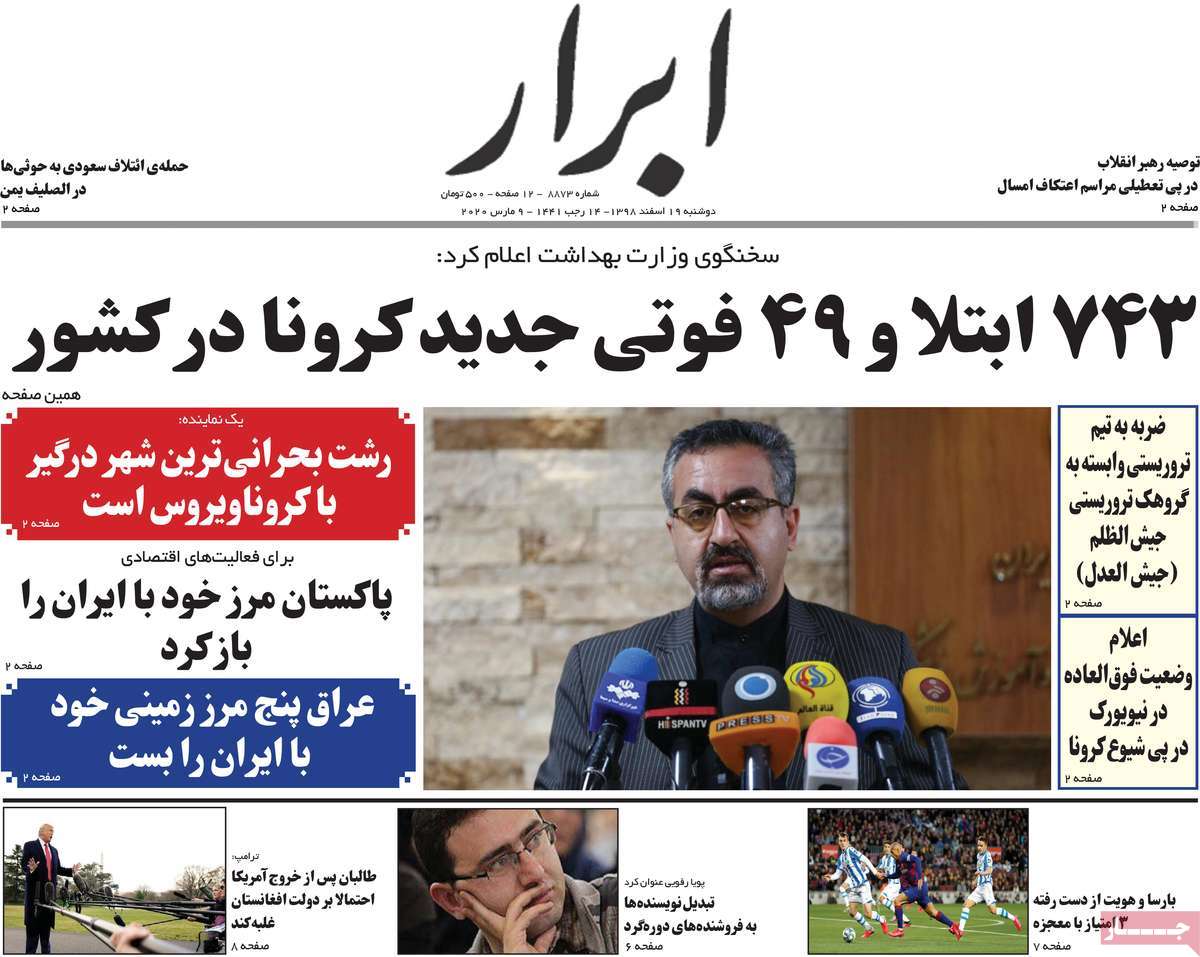
Pakistan Reopens Border with Iran

Pakistan Reopens Border with Iran

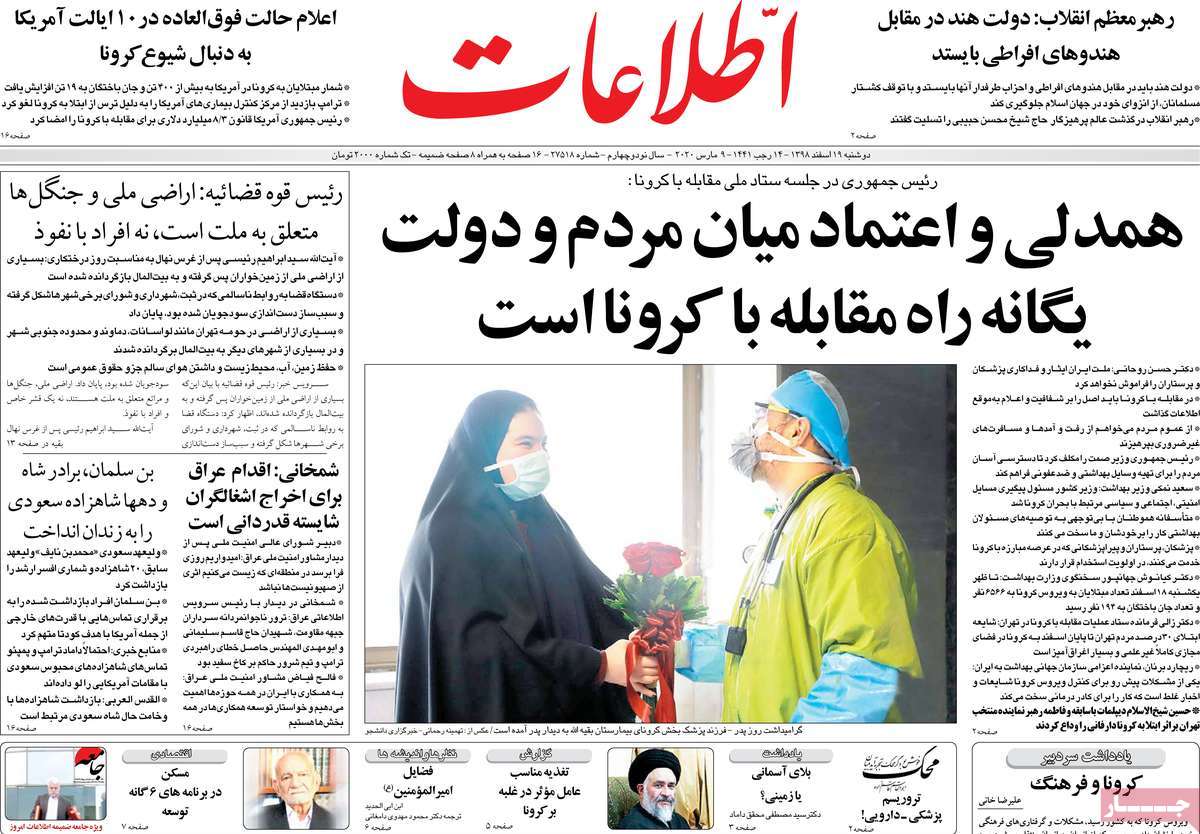
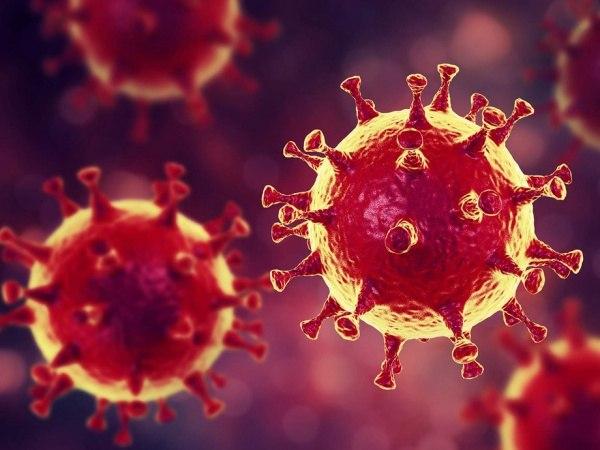
The common border between Pakistan and Iran reopened on Saturday after it was shut over concerns about the spread of COVID-19, but the Pakistani authorities have enforced quarantine for the travelers.

Pakistan’s Federal Minister for Interior Ijaz Ahmed Shah said the border crossing with Iran has reopened, but the pilgrims returning to Pakistan will have to be kept in quarantine.

The Pakistani Ministry of National Health Services, Regulation and Coordination has announced in a report that none of the pilgrims coming from Iran have been infected with coronavirus.

According to the report, three suspicious cases of coronavirus detected in the city of Quetta have tested negative for the virus.

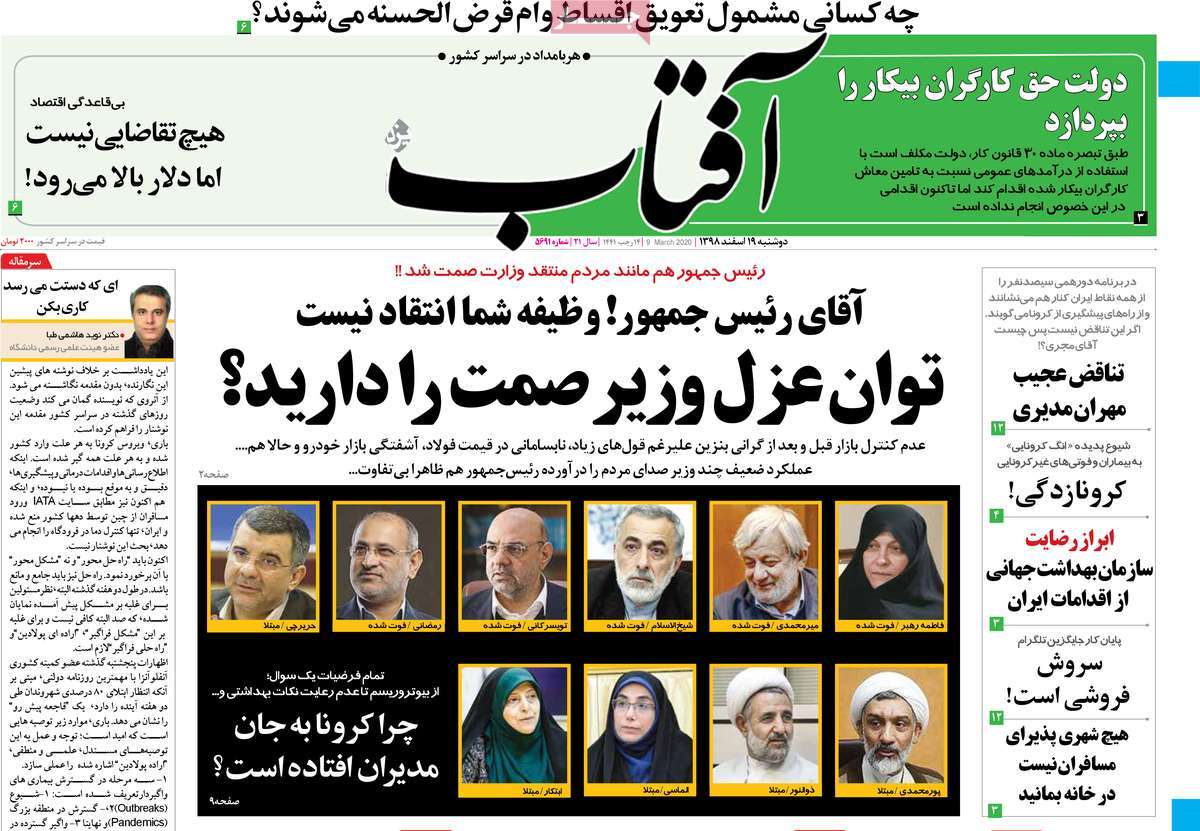
Iran Health Ministry Says Announcing Real Figures of Coronavirus Infection, Deaths

Iran Health Ministry Says Announcing Real Figures of Coronavirus Infection, Deaths
Iranian medical staff at Qom's Forqani Hospital fighting against Coronavirus / Photo by Hessaminejad

The Ministry’s spokesperson Kianoush Jahanpour said the public should rest assured that the real number of deaths are being announced.

“The Health Ministry of the Islamic Republic of Iran has, without any political consideration, and in a straightforward and transparent manner, announced the exact number of those who have been infected with this virus or who have died due to the infection as soon as the ministry has found out about the exact figures,” said Jahanpour, the head of the Public Relations and Information Dissemination Office of the ministry.
“This is while we have reliable information suggesting many countries, including developed ones, have systematically concealed the reality when it comes to announcing the figures pertaining to the number of those infected with the virus or those who have died for that matter,” said Jahanpour.

“Today, we are seeing unreal and exaggerated statistics being announced by media outlets which not only do nothing for the good of the society, but also have a notorious record of launching propaganda warfare and being aligned with the United States’ ‘maximum pressure’ policy against the Iranian nation,” he noted.

“Based on its legal and moral duty vis-à-vis the people, this ministry will, in accordance with precise results presented by official laboratories across the nation, and without paying attention to media chantage, continue to disseminate information in an honest and transparent manner,” he said.

The remarks came after the BBC claimed at least 210 people have lost their lives in Iran due to coronavirus infection.
“At least 210 people in Iran have died as a result of the new coronavirus disease, sources in the country’s health system have told BBC Persian,” the BBC wrote on its website.
The alleged figure is much higher than the official figure announced by the Iranian Health Ministry, which is 34 deaths and 388 infections.

The BBC only mentioned “sources in the country’s health system” as the source for his claim, without naming any reliable and official source of information for its claim.

Officials Say Iran-Azerbaijan Border Should Remain Open amid Coronavirus Fight

Officials Say Iran-Azerbaijan Border Should Remain Open amid Coronavirus Fight

In a telephone conversation on Friday, Iranian President’s Chief of Staff Mahmoud Vaezi and Azeri Deputy Prime Minister Shahin Mustafayev discussed the major issues in the bilateral relations between Tehran and Baku and the ways to boost the ties between the two neighbors.

Highlighting the role of the cultural and historical commonalities between the Iranian and Azeri nations in the promotion of ties between Tehran and Baku, the two officials emphasized that the top authorities in the two countries are determined to strengthen and enhance relations in all fields.

The Iranian President’s Chief of Staff and the Republic of Azerbaijan’s Deputy Prime Minister also talked about the ways to fight against and contain the coronavirus, stressing that it is necessary for the two countries to keep the common border open and proceed with the trade exchanges within the framework of a joint protocol in order to address the COVID-19 epidemic.

Vaezi and Mustafayev finally expressed hope that the joint handling of the coronavirus outbreak would further reduce the adverse effects of the disease on the growing trade ties between Iran and Azerbaijan.

Coronavirus in Iran: Students Pursuing Studies via Online, TV Programs

Coronavirus in Iran: Students Pursuing Studies via Online, TV Programs

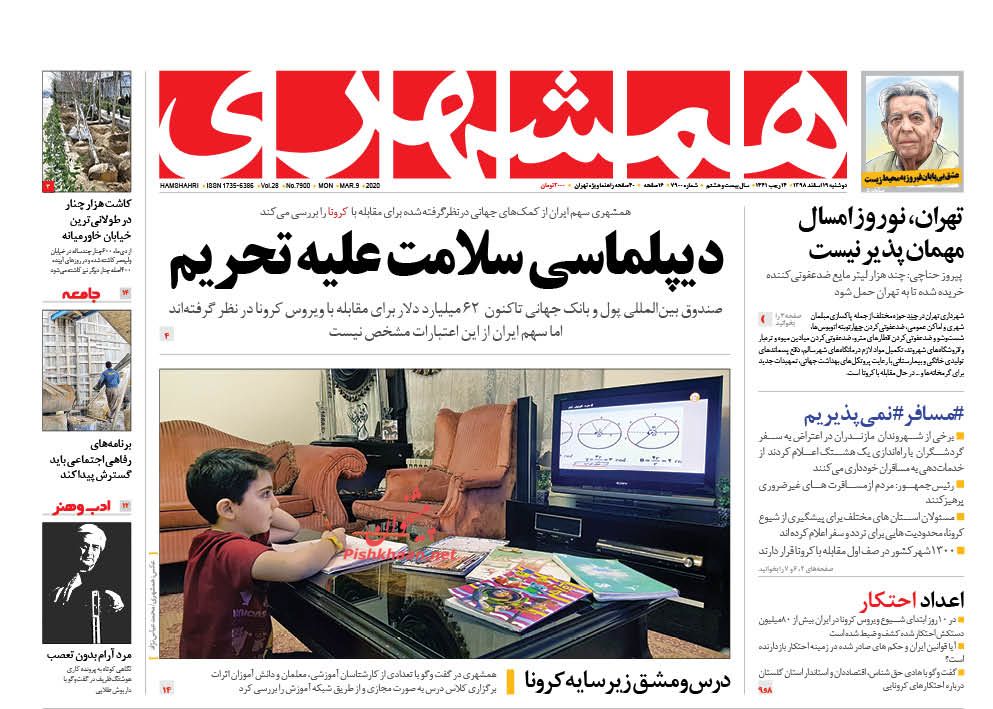
Mohsen Haj-Mirzaei said students can continue their studies by watching the programs under the guidance of their teachers.

He said President Hassan Rouhani has approved decisions made by the National Coronavirus Management Committee with regards to the closure of schools in areas where the virus has been detected.

“Having passed through hardly negotiable pathways, the vigilant Iranian nation has learned how to turn threats into opportunities. So, the closure of schools does not mean education has stopped,” said the minister.

“In line with the enforcement of the president’s order, and as planned, students should follow their studies via the state TV under the supervision of their teachers,” he noted.
In line with measures to contain the spread of the coronavirus, the president has instructed the National Coronavirus Management Committee to take the necessary action to offer online and televised educational programs to students in coordination with the Ministry of Education, Ministry of Science, Research and Technology, Ministry of Communications and Information Technology as well as the state radio and TV.

Iran Starts Development of Homegrown Medicine for Coronavirus

Iran Starts Development of Homegrown Medicine for Coronavirus
Iranian doctor visiting a coronavirus patient at Forqani hospital in Qom / Photo by Mohsenzadeh

Alireza Jalali, the head of Baqiyatallah University of Medical Sciences, said Friday the “scientific committees of Baqiyatallah University have been activated since last week in order to develop a definitive drug for the novel coronavirus.”

“During the past week, three new projects were launched for production of vaccine and definitive drug for coronavirus. We expect the projects to yield serious results,” he noted.

He said the first project is aimed at producing a genetics-based drug for the new coronavirus, Covid-19.

According to Jalali, the Health Ministry and the research department of the Islamic Revolution Guards Corps (IRGC) are working on the project, which is expected to yield results in three to six months.

The second project, development of a vaccine, will successfully finish in three to five months, and the third project will focus on development of an herbal medicine for Covid-19 patients, he added.

In separate comments on Friday, Health Ministry spokesman said the country’s defence ministry experts have developed coronavirus testing kits, which will be mass produced in coming days.

According to Kianoush Jahanpour, the kits will be mass produced and delivered to laboratories across the country once they receive the final approval.

Iran Rejects Pompeo’s ‘Hypocritical’ Offer of Help with Coronavirus Fight

Iran Condemns Expansion of EU, US Sanctions on Syria

In a statement on Friday, Foreign Ministry Spokesman Seyyed Abbas Mousavi responded to the US secretary of state’s claim about helping Iran in the battle with the coronavirus, which has been publicized in the media and has been widely advertised before informing Iran.

The Iranian spokesperson slammed the US state secretary’s claim as a propagandistic and hypocritical move that has been made with political objectives with the purpose of deceiving the world public opinion.

“The claim of helping Iran in the fight against coronavirus, made by a country that has exerted massive pressures on the Iranian people with its economic terrorism and has even blocked the (Iranian) purchase of medicine and medical equipment, is a ridiculous claim and a political-psychological game,” Mousavi added.

“The Ministry of Foreign Affairs of the Islamic Republic of Iran is in close contact with many countries in order to satisfy the country’s pharmaceutical and health demands and to combat the coronavirus, and so far a considerable part of the country’s critical needs, including 100,000 (COVID-19) diagnostic kits, surgery masks, medical ventilators etc. have been supplied from the friendly countries, and other consignments are also on the way which will be publicized in due time,” he noted.

“The fight against the coronavirus, which has now become a global epidemic and has engulfed many countries, requires a global resolve and widespread international cooperation, not theatrical moves that are made with political purposes and the abuse of the suffering and pains of the patients and those hurt,” the Iranian spokesperson added.

Iranian, Chinese FMs Discuss Fight against Coronavirus

Iran Fm Zarif and Chinese FM

Foreign Minister of the People’s Republic of China Wang Yi held a telephone conversation with Iranian Foreign Minister Mohammad Javad Zarif on Friday.

In the conversation, the Chinese senior diplomat expressed his gratitude to Foreign Minister Zarif for being the first foreign official to offer sympathy with the Chinese government and nation after the outbreak of coronavirus in China.

Wang Yi also expressed regret at the outbreak of COVID-19 in Iran, offered sympathy with the Iranian government and nation, and voiced China’s readiness to send more specialized aid to Iran, provide the Islamic Republic with all findings and methods for fighting coronavirus, and work in scientific cooperation with Iran.

For his part, Foreign Minister Zarif appreciated China’s technical and expert assistance, described the coronavirus contagion as a global challenge, and noted that the solution to the problem is cooperation and rapport among all countries without politicizing the issue.

The Iranian Foreign Minister also welcomed the idea of cooperation between the Iranian and Chinese researchers in joint scientific research programs in order to eradicate the disease.

Migratory Swans in Northern Iran

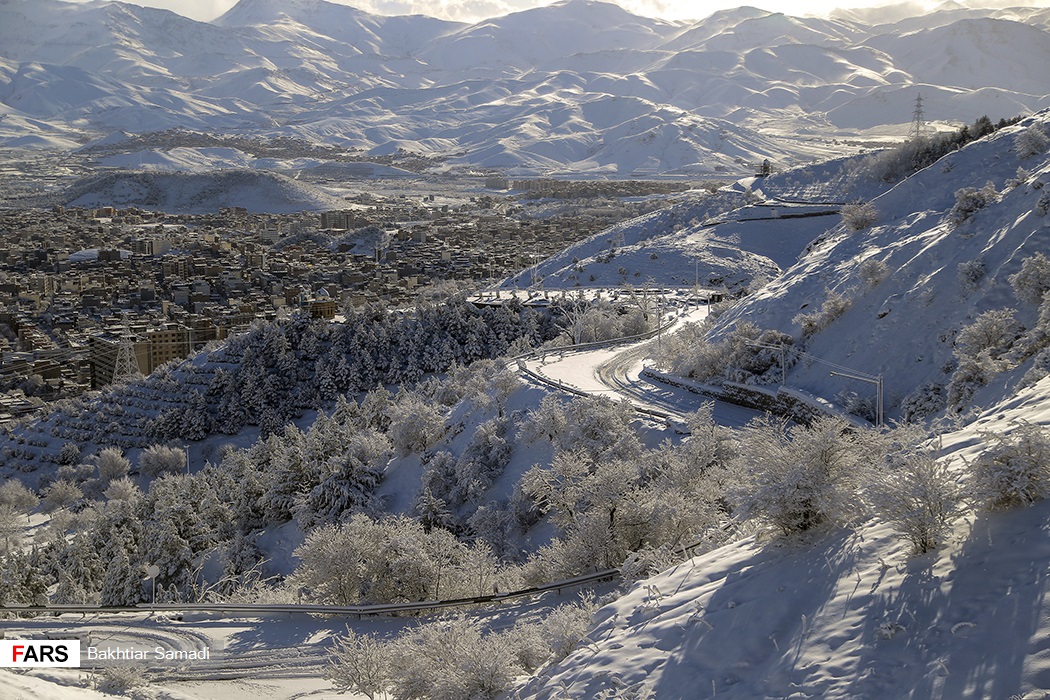
Migratory Swans in Northern Iran

EasePDF: The Best Online PDF to JPG Converter

The PDF format is among the most popular document formats today. It is no doubt that there are many benefits to using this format. Normally, PDF files use images with lower resolution and the files are in fact larger than JPG images, which might look nice on your screen. But when you print them, they are easily distorted. So, you should consider converting the PDF images into JPG before printing them out.

JPG is probably the most popular image format in use thanks to its high image quality and low space requirements. It is noticeable that JPG format is meant to compress the size of images so that they can be easily transferred across the different computers with diverse configurations. When a PDF image is converted into a JPG image, it can save a lot of space and the picture resolution is also high. So when you have to share these images with others, it is best for you to convert them to JPG format.

EasePDF is an Online PDF Converter that can help us to convert PDF to a high-quality JPG image. When you come into its homepage, you can see a concise page. You can feel free to use all the tools here without any download and registration. We have a user-friendly interface with simple options. Our online file converter is more than just a PDF image to JPG images converter, you can also edit, merge, split PDF and so on. All the tools here are free to use. You don’t need to register before using our services.

EasePDF: The Best Online PDF to JPG ConverterHow to Convert PDF to JPG with EasePDF

Step 1. Go to the EasePDF homepage. Find the “PDF to JPG” button by clicking the drop-down icon of “PDF Converter”.

EasePDF: The Best Online PDF to JPG ConverterStep 2. Select the PDF file you wish to convert to JPG images. There are four methods for you to select the PDF file:

  1. Click the “Add File(s)” button to select your PDF document on the local device.
  2. Drag and drop the file to the “Drop PDF here” area.
  3. You can also access your PDF document from GoogleDrive, Dropbox or OneDrive on the Internet.
  4. Copy and paste the link after you click on the URL icon is also allowed.

Step 3. The free PDF converter will start to convert the file to a set of images in seconds. Just wait for a few seconds, your new JPG document will be ready to download immediately.

Step 4. When the conversion process is completed, you can click the “Download” button to download the JPG image or copy the link and share it with your friends. The link is valid in 24 hours.

EasePDF: The Best Online PDF to JPG ConverterWhy Choose EasePDF to convert PDF to JPG

The convert PDF to JPG tool in EasePDF can convert the file to the format easily. The process doesn’t need to be complicated and there’s no need to pay for it. You only need a few clicks then you can get a JPG document. Finally, you just need to download get the JPG images you want.

EasePDF attaches great importance to users’ privacy and document security, therefore we adopt a 256-bit SSL Encryption to ensure the info and documents uploaded by users to our server will not be disclosed and used by others. If you still worry about the security of your file, you can use the “Protect PDF” tool in EasePDF to protect your file. For more information, you can get from How to Password Protect A PDF For Free.